.png)
 4 hours ago
2
4 hours ago
2
After a long wait, the Rhythm Heaven series is finally getting another title in Rhythm Heaven Groove. This rhythm game will test your inner metronome and ability to stay on beat, as you jump through hoops, open umbrellas, and even jump over windshield wipers.
As it's been about a decade since the latest release, your skills may have gotten a little rusty, or Groove could be your first time playing a Rhythm Heaven game. To help you out, we've listed out eight of our best beginner's tips and tricks to help you stay on beat.
Don't skip the practice
Before each song, there is a practice session that acts as a tutorial. It'll teach you the audio cues to listen for and what buttons you'll need to press. If it's your first time playing a song, don't skip it! You're doomed to fail as you won't have a knack for the timing and you won't know what to press.
Watch the examples
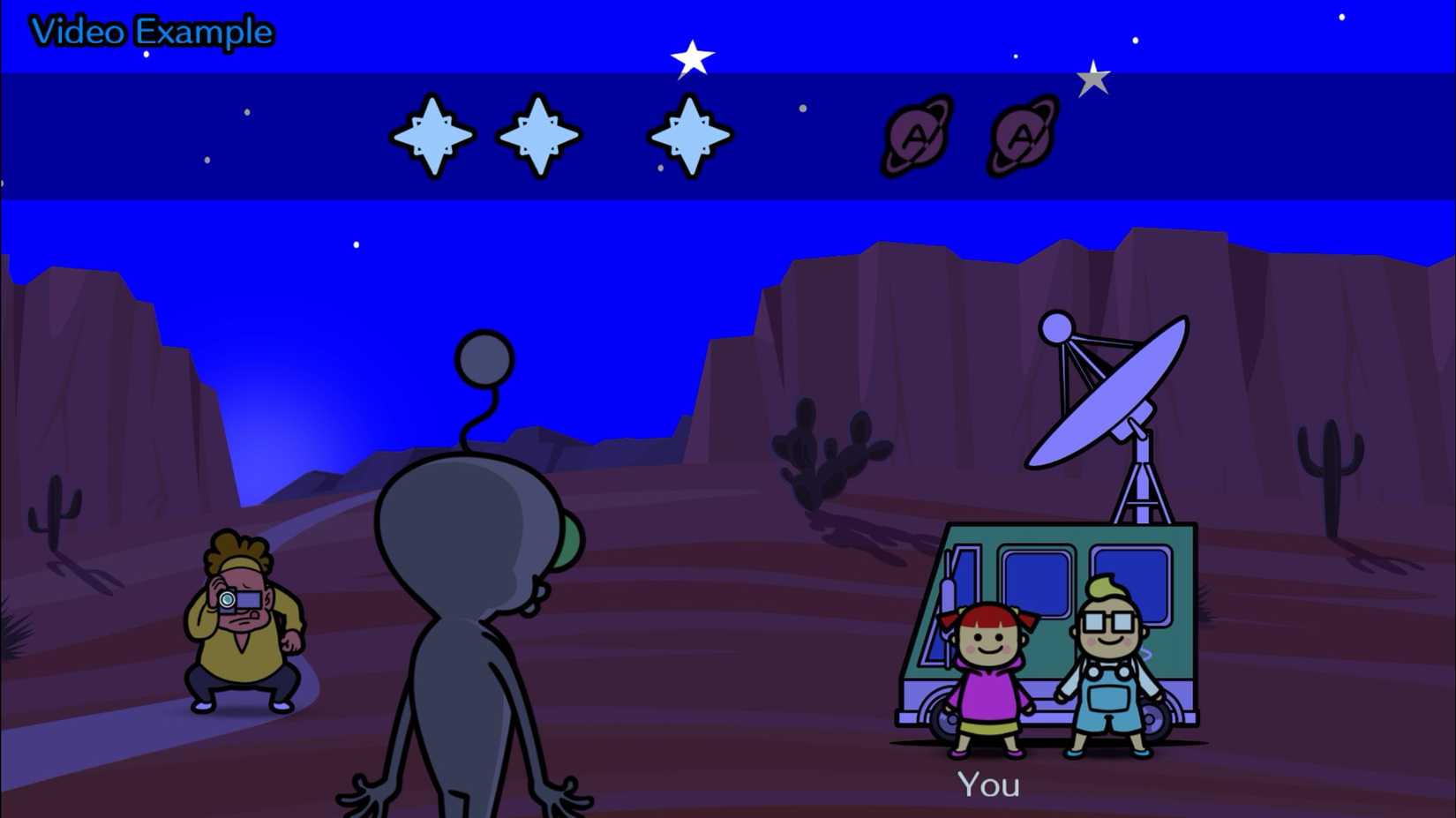 Image: Nintendo EPD, TNX/Nintendo via Polygon
If the practice session isn't enough, check out the video examples. During practice, press Y to watch a video example, or return to the main menu and select "Video Examples." It'll help you familiarize yourself with the song and its audio cues. Additionally, your controller will vibrate when you're supposed to press buttons.
Focus on audio cues
Each song has an audio cue for when you're supposed to press a button. As you get more accustomed to the rhythm and cues, you'll get used to the input timing. In many rhythm-based games, it's often best to close your eyes as the background and visuals can get a bit distracting, but there are a bunch of visual cues in Rhythm Heaven Groove that are also helpful. For example, some characters will bounce to the beat, and sometimes, numbers will appear on the screen indicating how many times the next action will repeat. Now for some songs, it's entirely okay to close your eyes, but it's best not to close your eyes on your first attempt.
Use headphones if you can
As Rhythm Heaven Groove is all about its music and audio cues, it'll be easier for you if you use headphones or earbuds, so you can focus on the in-game sounds. If you don't have earbuds or headphones, we recommend blasting the volume, but don't make it too loud so that you get a noise complaint.
Make your own metronome
Now, don't literally make a metronome, but do what you can to keep up with the beat. Whether you need to tap your foot, nod your head, or even count out the beat aloud, find a method that works the best for you. Some songs will change up their tempo, so it can be quite tricky for those, but most songs will stay at one pace throughout.
Practice makes perfect
You can only get a perfect on a song in Rhythm Heaven Groove when the game gives you an opportunity to do so. As you continue to play, the game will direct the screen to a song and tell you that you can attempt to get a perfect result on it. However, you'll only have three tries to do so. Three mishaps, and you'll have to wait for the next opportunity.
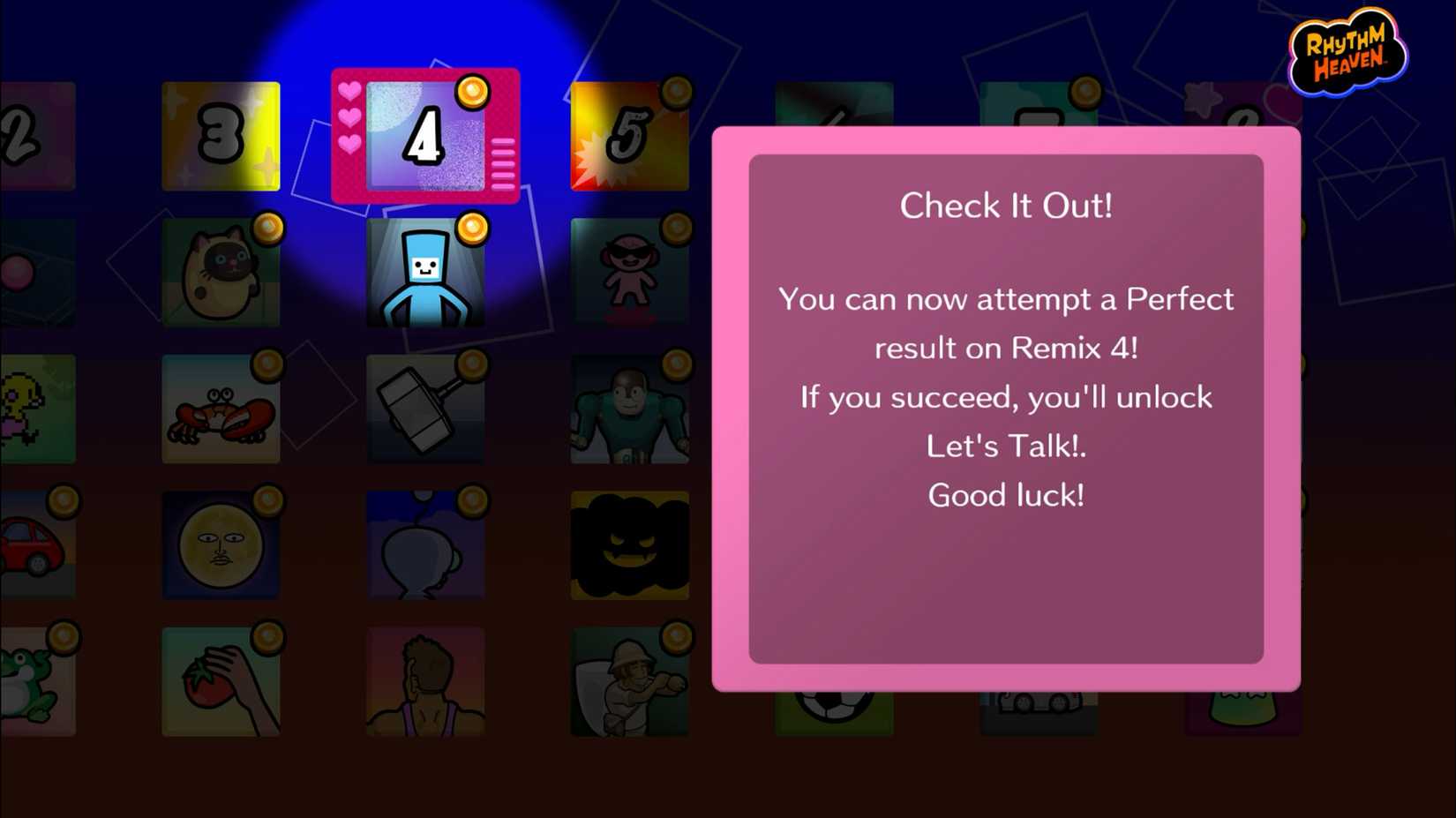 Image: Nintendo EPD, TNX/ Nintendo via Polygon
Rather than rushing in for the perfect, take your time by redoing the tutorial and watching the video example. You might have to wait a while for your next chance, so make the most of it on the first go around.
Try out the minigames
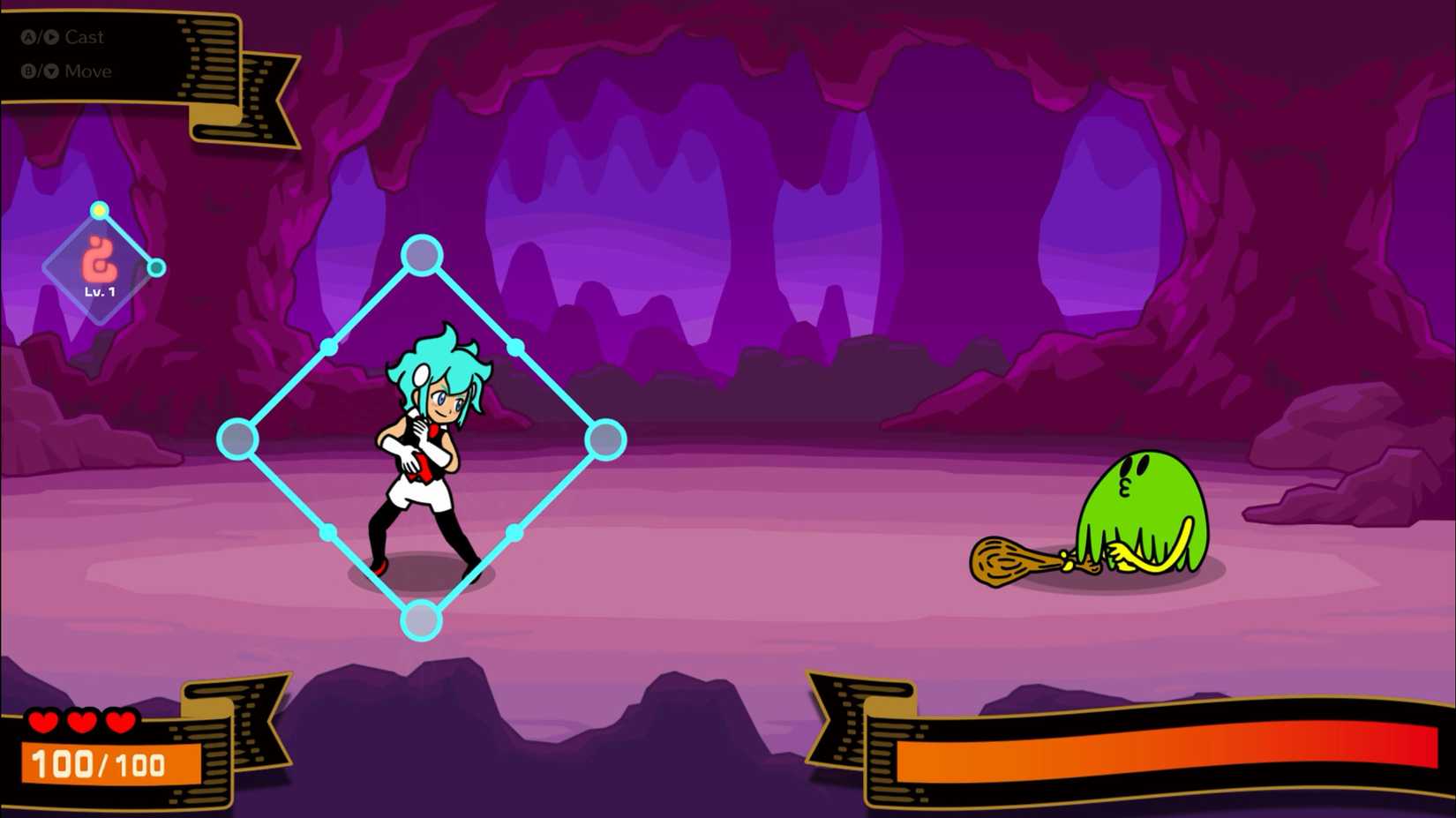 Image: Nintendo EPD, TNX/Nintendo via Polygon
Rhythm Heaven Groove has a lot of side content, like Beatspell and the Rhythm Toybox. These minigames are a great way to take a break from the perfect grind, and have a bit of fun. You'll unlock even more minigames as you progress further in the main game, so there'll always be more minigames to try out.
Handheld is slightly better
Timing is everything in Rhythm Heaven Groove, so even the tiniest bit of input delay can shatter your hopes of a perfect result. If you're playing on a docked switch, there's a myriad of factors that can delay your button presses, like playing with a wireless controller, video processing, and more. It's often miniscule, but if you're really trying to get that perfect, swap to handheld mode.





![ELDEN RING NIGHTREIGN: Deluxe Edition [FitGirl Repack]](https://i5.imageban.ru/out/2025/05/30/c2e3dcd3fc13fa43f3e4306eeea33a6f.jpg)

 English (US) ·