.png)
.png) 7 months ago
78
7 months ago
78

Maddie Fisher is a writer, journalist and game developer. She was born and raised on the east coast, having started working in games journalism over fifteen years ago. She tends to enjoy musical theater, hockey and tennis.
Like so many of Square Enix's recent games, Octopath Traveler 0 was preceded by a demo. This included a decent portion of the game, and followed the trend that so many demos in the past have followed.
The demo isn't intended to be a singular, one-off vertical slice. Instead, everything you did in the demo will carry over to the main game.

RELATED
Octopath Traveler 0: How to Attack From the Back Row
A new plan of attack is waiting for you in Octopath Traveler 0.
If you completed the demo, or even played a tiny bit of it, you don't have to worry about starting over. Starting a new game can be fun, but that's not entirely necessary.
Square has allowed you to bring your entire save file over. So, let's jump in and take a look at how to accomplish that.
Have A Save File Of Octopath Traveler 0 On Your System

Before you can transfer your save file from the demo of Octopath Traveler 0 to the full game, you'll need to actually have a save file.
If you played the demo when it launched in November 2025, chances are you put quite a bit of time into it. It had a 3-hour time limit, but was otherwise a lengthy chunk of the game.
So, whatever platform you played on, as long as you've got a file from that demo on it, you're good to go.
Load Into Octopath Traveler 0

Your next step is to actually load up the final version of Octopath Traveler 0.
While you can also grab some goodies afforded to you by Square if you have saved data from other HD-2D games, that's not quite what we're after.
Loading into the screen you need to find the save file is straightforward. Underneath the Options menu, you'll find "Load Demo Saved Data".
Click that, and you'll be taken to the next screen.
Transfer The Save

Unless something has gone horribly wrong, you'll find your save file for the Octopath Traveler 0 demo here. All your progress, stats and characters will be present and accounted for.
If you put any amount of time, no matter how small, into the demo, there will be no need to start over from scratch.
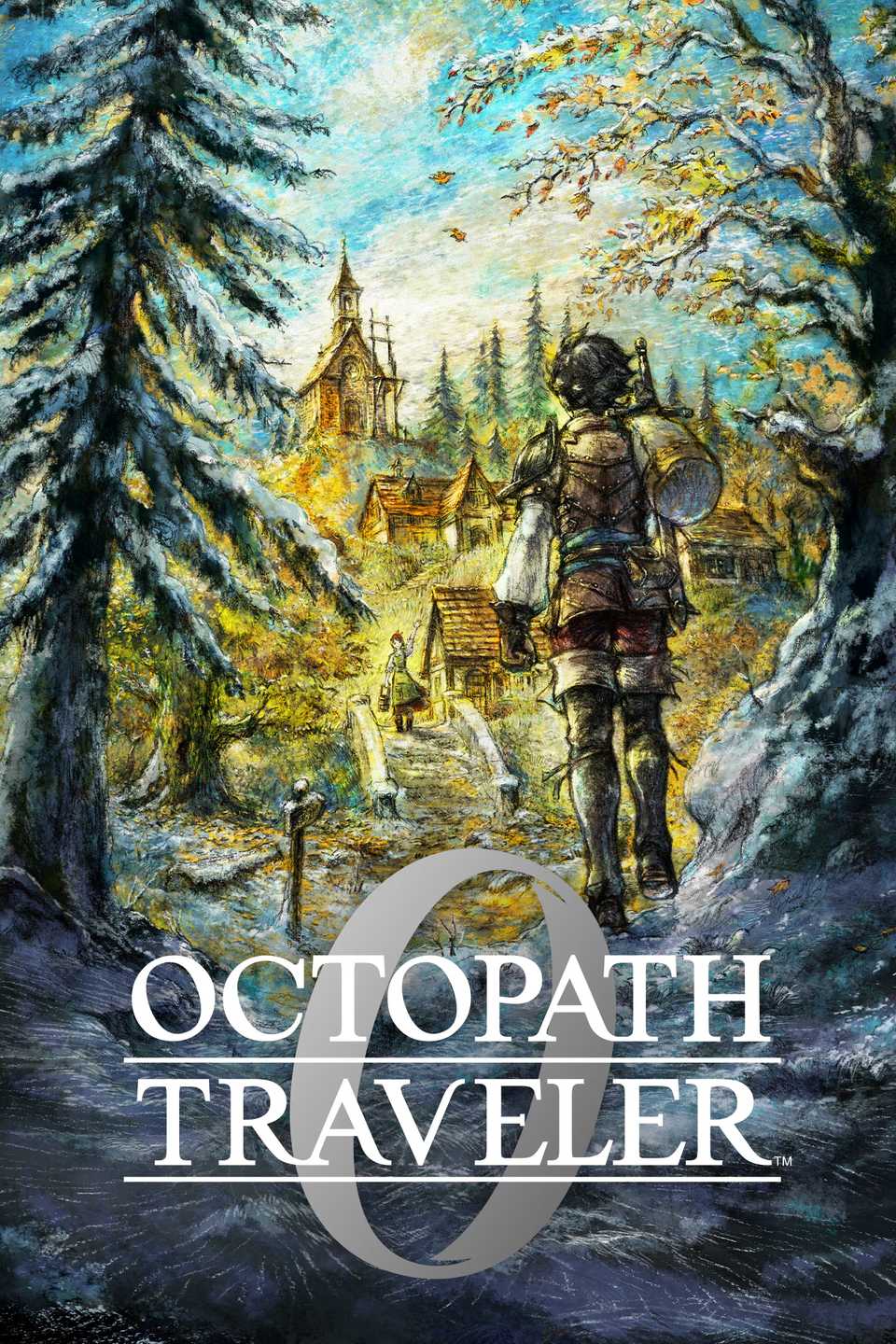
Released December 4, 2025
ESRB T For Teen // Blood, Fantasy Violence, Language, Suggestive Themes
Developer(s) DOKIDOKI GROOVE WORKS, Square Enix
Publisher(s) Square Enix
Franchise Octopath Traveler





![ELDEN RING NIGHTREIGN: Deluxe Edition [FitGirl Repack]](https://i5.imageban.ru/out/2025/05/30/c2e3dcd3fc13fa43f3e4306eeea33a6f.jpg)
 English (US) ·