.png)
.png) 3 months ago
78
3 months ago
78

As sure as the sun rises, video games will have bugs and glitches. After all, a lot of work goes into making these marvels of creation, and the developers can't account for every action a player might take or all the tech in someone's computer.

Related
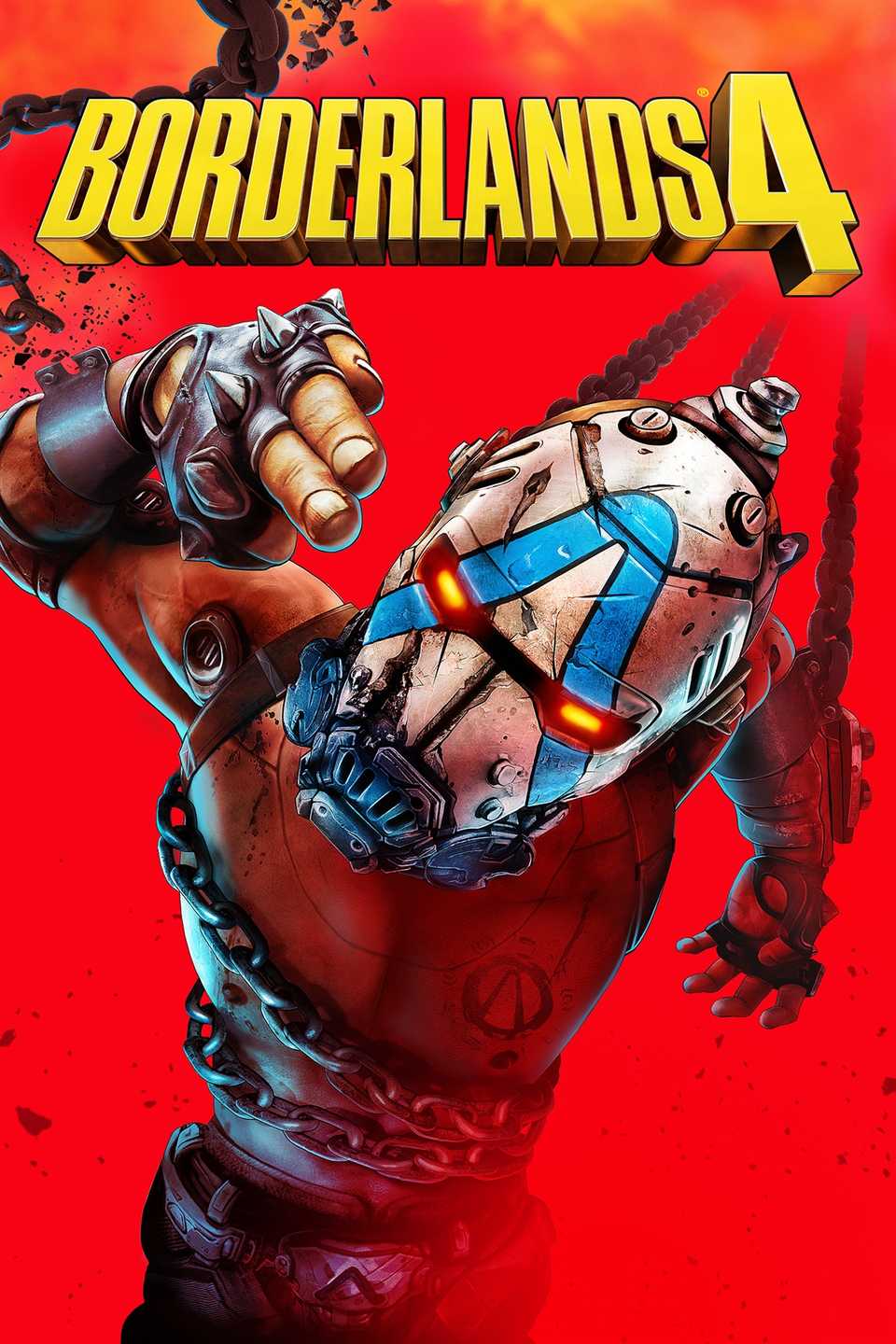
Despite all the hard work, Borderlands 4 launched with some major issues surrounding the game's bosses, general gameplay, and graphics. While Gearbox has worked hard to fix a good number of bugs, there are still plenty of issues that are plaguing Borderlands 4 players to this day.
Here are some that I hope Gearbox focuses on soon.
8 No Custom Pins
Can't Tell Where to Go

This is not the most pressing issue, but it is one that bugs some players regardless. When placing a custom pin, sometimes they just don't appear, and it persists in both solo and co-op.
When playing alone, this isn't the biggest deal. After all, you placed your pin, so you probably know where you are going. If this happens while playing with friends, however, it's a bit more difficult.
Luckily, there is a fix for this, and it just involves placing the pin a few times until it appears. You don't need to go through the process of relaunching the game as you do with some issues. With this being such a minor issue, it could hopefully be a quick fix.
7 Scared Echo-4
Tell Them It's Okay

Echo-4 is a pretty timid robot that hides whenever there are enemies around. This is mostly seen when you are completing the propaganda towers around the map, as Echo will cower during each wave of enemies.
Since Borderlands 4 was released, there has been an issue where Echo will continue to cower in fear even when there are no enemies. This often prevents players from being able to complete these events. Luckily, it doesn't always break the event.
Sometimes, you can continue to play through the event and Echo will simply be stuck in this animation. Other times, you can stand there for hours and the event will not progress. It is a bit of a coin flip whether the event ends up breaking, which can obviously be a big frustration point.

Related
6 Falling Through the Map
Unable to be Reached

This is an issue that has affected me personally, and it is one that I have still seen happen to do this day. Luckily, it only happens when playing in co-op. At least, I have never seen it happen while playing solo.
During co-op sessions, there is a chance one of the players will fall through the map. This typically happens around locations with existing structures. For instance, it first happened when I was breaking into Fortress Indomita to fight Idolator Sol as part of the campaign.
When this happens, the player will either see nothing but darkness, or fall through the map to the point they are under it entirely. Either way, they are unable to be reached and unable to respawn, leaving the only option to quit the game and rejoin.
5 Infinite Loading
Can I Get Back in the Game?

This is another issue that appears to mostly affect those who are playing co-op, so you shouldn't have to worry if you are playing solo. Occasionally, you can get stuck in an infinite loading screen, preventing you from getting back into the game.
This tends to happen when you are respawning after dying to hordes of enemies or a difficult boss. The affected player will get stuck watching the vorpal tunnel that is the game's loading screen.
Unfortunately, you can't just back out of the game to fix this issue. Instead, you need to force quit, possibly losing some progress in the process. Thankfully, this issue doesn't seem to pop up as often as it used to, but it still appears on rare occasion.
4 Broken UI
A Broken New Style

With the change to creating an open world map, Gearbox decided to also change how it handled the Borderlands UI. Instead of the standard menu popping up next to your character, you access a live-service-style menu that is reminiscent of many other open world titles.
This change in the user interface also brought forth a lot of issues, some of which are still being dealt with. At launch, players complained that the UI would break, text boxes would disappear, and the HUD would change. It was a mess.
Some of these issues are still present on PC. Thankfully, they appear to have been fixed on consoles, but it is an issue that could have been avoided.
3 Dropped Legendaries
Goodbye Loot

This is an issue that every Borderlands game seems to have. There is a chance that weapons will simply fall through the world, becoming lost forever to the abyss.
Luckily, there is the lost loot machine, which allows you to grab loot that has been lost during your journey. Unfortunately, not everything ends up here because it has a finite amount of space.
To this day, there is a chance that all items can fall through the world, and if you have too many items in your lost loot, that item is lost forever. While it isn't a big deal for most items, it is a when it comes to legendary gear.
To add to this, there is also a chance that items drop in places where your character can't reach them, adding to the chance of frustration.

Related
Borderlands 4: All Firmware and Abilities, Explained
21 different Firmware abilities can randomly spawn on items in Borderlands 4. Here's what they all do.
2 Stuttering and Frame Rate
It Drops

This isn't an issue that many console players have to deal with, as it mostly affects PC players, but Borderlands 4 has a tendency to stutter, drop the frame rate, and even worse, crash.
This has been a problem since day one, and while Gearbox has mostly fixed the issue, even the developers admit that there are still drops to frame rate and stuttering. Thankfully, the chance of crashing on PC has apparently been reduced to less than one percent.
Still, a triple-A title that stutters and experiences this many drops in frames is a problem. Gearbox is still working to solve this issue, so maybe the next patch will fix it completely.
1 Stuck Compiling Shaders
Every Patch

Every time there is an update for Borderlands 4, players get the same message when they first load the game. It is a message that reads, "compiling shaders," and it is accompanied by a percentage.
We understand that this is something that must be done whenever Borderlands 4 receives a large update, but there is still a chance that you can get stuck on this screen, and when that happens, the only solution is to force quit the game.
The compiling shaders hangup has been around since the launch of Borderlands 4, and it is still an issue that plagues many players. There's yet to be a stated solution, so players are forced to live with the chance of this happening every time there is an update.

Next
Borderlands 4: All Abandoned Augur Mine Locations
Abandoned Augur Mines are scattered about the land of Kairos in Borderlands 4. What secrets do they hold deep within their walls?
Released September 12, 2025
ESRB Mature 17+ / Blood and Gore, Intense Violence, Sexual Themes, Strong Language, In-Game Purchases, Users Interact







![ELDEN RING NIGHTREIGN: Deluxe Edition [FitGirl Repack]](https://i5.imageban.ru/out/2025/05/30/c2e3dcd3fc13fa43f3e4306eeea33a6f.jpg)
 English (US) ·