.png)
.png) 7 months ago
81
7 months ago
81
One of the key features of Octopath Traveler 0 is being able to create your own character with unique abilities, a favorite dish, personal belongings, and a special look. Of course, there may come a time when you are tired of what you chose and will want to make a change.

Related
Octopath Traveler 0: How to Attack From the Back Row
A new plan of attack is waiting for you in Octopath Traveler 0.
Thankfully, there is the option to change your appearance in the game. The unfortunate part about this is that you have to progress through the story for a while before you unlock the ability to make these changes.
Let's break down everything you need to know about changing your appearance in Octopath Traveler 0.
How to Change Your Appearance in Octopath Traveler 0

When you start Octopath Traveler 0, you will get to choose between various options for your character's design that include gender, sprite style, hairstyle, color, etc. These options will stick with you throughout the game, making your character unique in comparison to many of the other more generic NPCs.
Of course, you may be like me and get tired of your initial look and want a change. Luckily, you can change your appearance in Octopath Traveler 0, but it will take some time and a decent amount of progression in the story.

Related
Octopath Traveler 0: How To Transfer Data From The Demo
Transfer your save data from the demo to the full version of Octopath Traveler 0 in our guide.
To change your appearance in the game, you will need to upgrade your town via completing the "Kindlers of the Flame" main campaign quest. This involves rebuilding Wishvale, recruiting many NPCs, and progressing through quite a few roadblocks.
When you finally upgrade your town to level four via the main campaign, you will unlock the ability to build the salon. This comes at around level 24 to give you an idea of how long you will need to play the game.

Once you have unlocked the salon, you will have the ability to change your character's appearance. All you need to do is build the salon, place one of the people you have recruited in the building, and interact with them.
You will see the option to reset your appearance. Choose this to bring up the appearance menu. When you are finished, press the button indicated by the done prompt at the bottom of the screen to confirm your new appearance.
What Can You Change About Your Appearance?

You can change everything about your character that you were able to choose at the start of the game, but there is a bit of a catch to it. When you first create the salon, you will only be able to change your character's hairstyle and hair color. Thankfully, there are two additional hairstyles to choose from.
To unlock more character customization options, you will need to go through the process of upgrading the salon. Once you have upgraded it to level two, you will have the option to change your character's motions and voice.
After upgrading the salon to level three, you will get the option to change your character's body, face, eye color, and skin color. It will also unlock two additional eye colors for your character.
In total, upgrading the salon will cost you six Radiant Cornerstone, so be sure to collect this material during your journey.

Next
Octopath Traveler 0: Reputation Guide
Reputation is something you will need to keep a close eye on in Octopath Traveler 0.
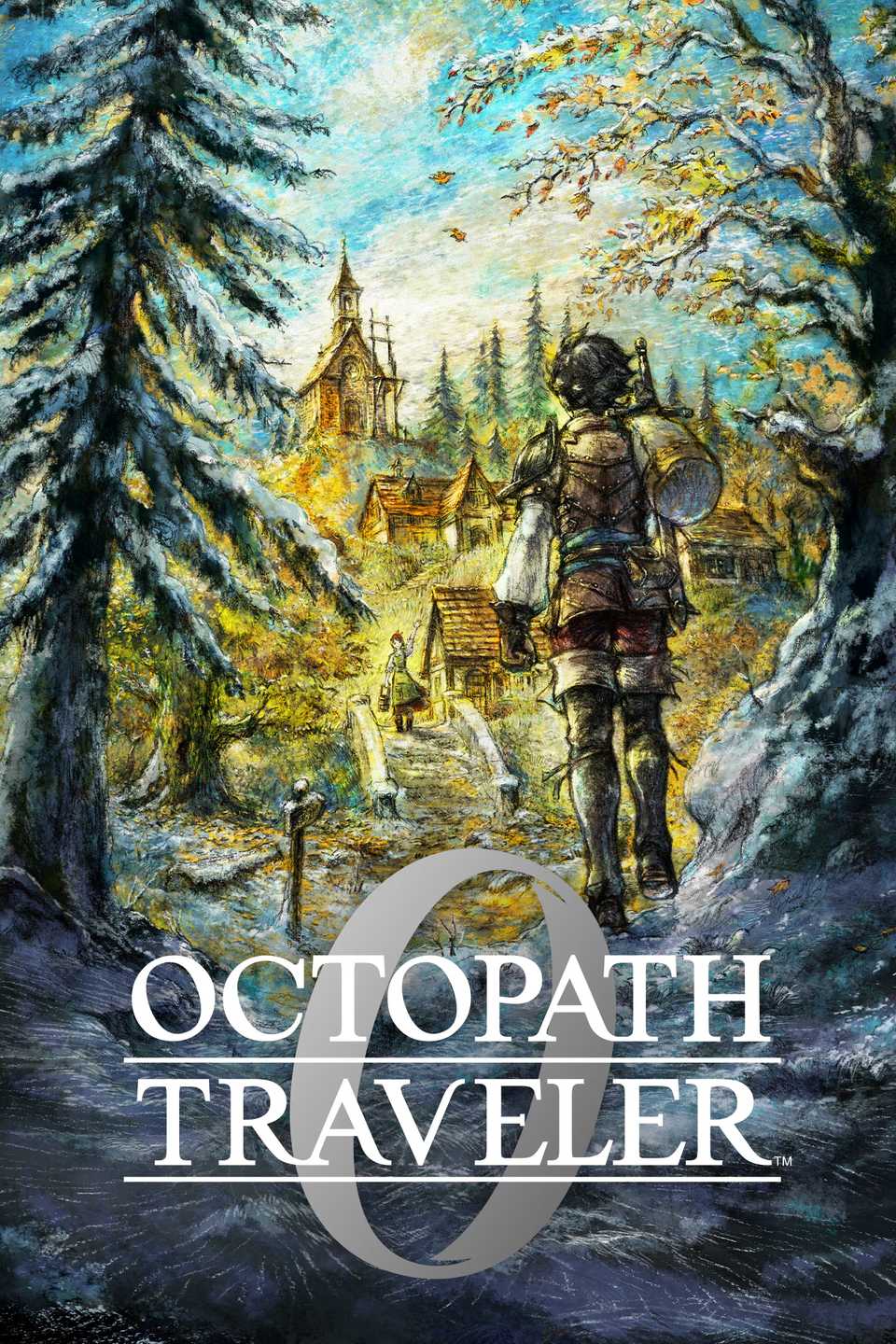
Released December 4, 2025
ESRB T For Teen // Blood, Fantasy Violence, Language, Suggestive Themes
Developer(s) DOKIDOKI GROOVE WORKS, Square Enix
Publisher(s) Square Enix
Franchise Octopath Traveler








![ELDEN RING NIGHTREIGN: Deluxe Edition [FitGirl Repack]](https://i5.imageban.ru/out/2025/05/30/c2e3dcd3fc13fa43f3e4306eeea33a6f.jpg)
 English (US) ·