.png)
.png) 4 months ago
93
4 months ago
93


Published Feb 15, 2026, 5:20 PM EST
Stephanie Watel is a writer for DualShockers. She has over three years of experience writing about all things video games, from news to lists to in-depth guides in a variety of genres. Her strongest niches start with RPGs and also include platformers, horrors of every variety, cozy builders and sims. She also enjoys a good looter shooter and the occasional gacha adventure.
Games have been her biggest passion since getting a Nintendo 64 for Christmas in the 90's and she carries that passion into all of her published content. With DualShockers, she specializes in crafting polished, informative, and enjoyable gaming guides that help pave a clear path for players and don't skimp on the details that matter most.
After touching down on Starsand Island, you'll quickly realize that there's no shortage of things to do to get your island abode in working order in this new life sim. However, it's not always about running errands or building means of production. Having a companion to call your own and keep you company is one of the game's more charming and simple joys.
Of course, you'll need to know exactly how to obtain a pet first, and there are a couple of key ways to go about it. If you're not sure where to start, here's how to unlock all pets in Starsand Island and the process to adopt one.

How to Adopt a Pet in Starsand Island

As you explore Starsand Island and all of its different areas, you may notice that, alongside the numerous friendly NPC locals, there are also several different unique animals (not to be confused with ones you gather or breed) that each have their own names. As it turns out, you can adopt these animals and bring them home, but you need to first raise their Affection level.
To do that, make sure to visit the animal you're interested in adopting on a daily basis. Approach and select them via the prompt to first engage in a friendly conversation (your character provides them a compliment, as seen above) or pet them. You'll then get the following options, and depending on your status with the animal, some options may be available but not others.
- Feed - You can feed the animal with a consumable food item from your inventory. This can be done once a day.
- Interact - Select this, and you'll then get a list of a few interaction options, such as petting, playing with a toy, or having them do a trick. Certain ones require a higher Affection level. You can technically perform interactions several times with the animal, but only the first one will count each day.
- Adopt - This allows you to officially adopt the animal and bring them to your home as a pet. Will require Affection Level 3.

Make sure to pay attention to the foods that you feed different pets. If you feed them a food they dislike, you won't earn any affection points for that day. However, if you feed them a food they love, you'll earn 15 x Affection Points for the day. Meanwhile, feeding them a food they like (not love) earns you 10 x Affection Points. As you discover these traits, they'll be noted in the profiles for each pet in your Social app.

Alternatively, you can also adopt a pet from the local pet store called Woof & Wow Pets, which is on the north side of Starsand Town, near Hattie's House. The owner, Stella, has two pets available for adoption, including a dog (Scrappy) and a cat (Nana), which you can see in the store's pet haven play area. However, be aware that these two pets don't come cheap, as each costs 7,500 x Coins. So if you want to go this route, you'll need to save up.

Either way, once you've adopted a pet, you'll need to help them get settled at your Home (otherwise they'll attempt to follow you everywhere). To do that, you need to obtain a blueprint for and build a Pet House. If you adopt directly from Stella's pet shop, she'll provide you with a blueprint as an automatic reward. Meanwhile, if you adopt a pet via Affection activities, you'll need to purchase a blueprint from Stella's shop.
Once done, your pet will be automatically assigned to it, and you can monitor their status via the Pet Settling menu.
All Pets in Starsand Island (Locations)

There are currently a total of nine different pets listed in the 'Animals' section of the Social app that can be adopted by raising their Affection levels. All of them are listed below, including their general locations and the foods they like or love.
Booboo the Panda doesn't provide an option to feed them yet, so that information remains unconfirmed.

Note that since their locations can change by the day, you can regularly track each pet via the Map. Select the 'Residents' icon on the left side of the map menu and scroll down to the selection of pets at the bottom. Select the one you want to track, and press the 'Track' option on its prompt.
|
Bobo |
Black Shiba Inu Dog |
Near Marlo's Morning Delights shop in Starsand Town |
Celeste Berry |
|
Booboo |
Panda |
Panda House east of Cloudrest Lake |
TBD (see above) |
|
Crescent |
Orange Cat |
Wanders around Starsand Town |
Sheep Cheese Block |
|
Mellowhen |
Capybara |
Often at Hopeland near your Home, but also wanders into areas around the map. |
Pasture Grass |
|
Meow Alum |
Siamese Cat |
Plaza area in center of Starsand Town |
Yellowtail Damselfish Royal Twig Catfish Sheep Cheese Block |
|
Octa |
Fox |
Grassy areas around Flower Corridor |
Sheep Cheese Block |
|
Scrappy |
Black-and-White Dog |
Wanders around Starsand Town (not to be confused with the dog named Scrappy at the pet shop) |
Sheep Cheese Block |
|
Sheriff |
Black-and-White Cat |
Beach area in Half-Moon Bay |
Sheep Cheese Block |
|
Zippy |
Squirrel |
Often at Hopeland near your Home, but also wanders into areas around the map. |
Pasture Grass |
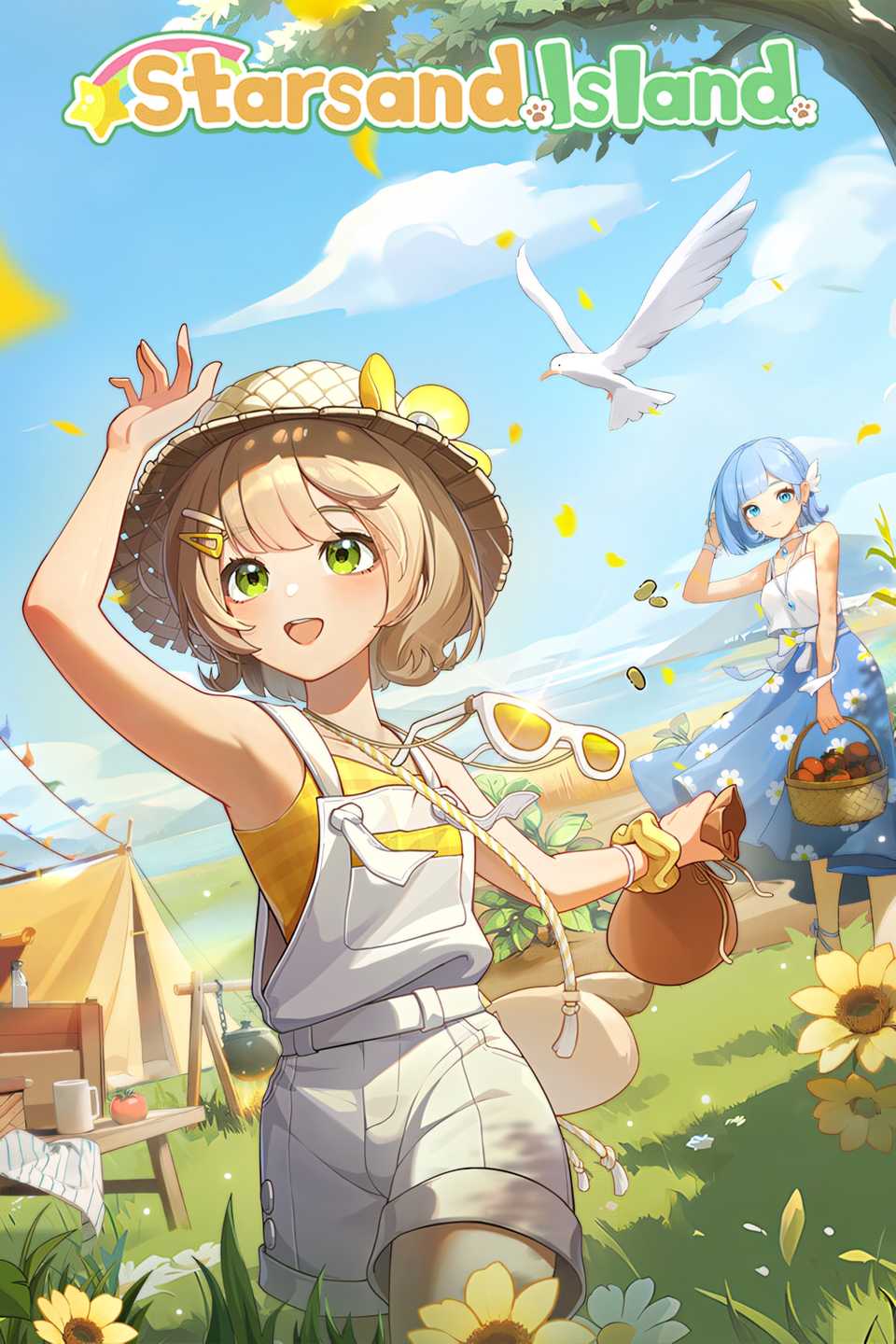
Released February 11, 2026
Developer(s) Seed Lab
Publisher(s) Seed Lab
Multiplayer Online Co-Op

Next
Interview: Starsand Island Developers Want You to Slow Down
A nice chat with the Starsand team as the cozy life sim launches into Early Access soon.






![ELDEN RING NIGHTREIGN: Deluxe Edition [FitGirl Repack]](https://i5.imageban.ru/out/2025/05/30/c2e3dcd3fc13fa43f3e4306eeea33a6f.jpg)
 English (US) ·